Browser Tools
Feedback Survey Demo
Try a client-side survey with required-answer validation and a personalized demo acknowledgment; nothing is sent or saved.
Overview
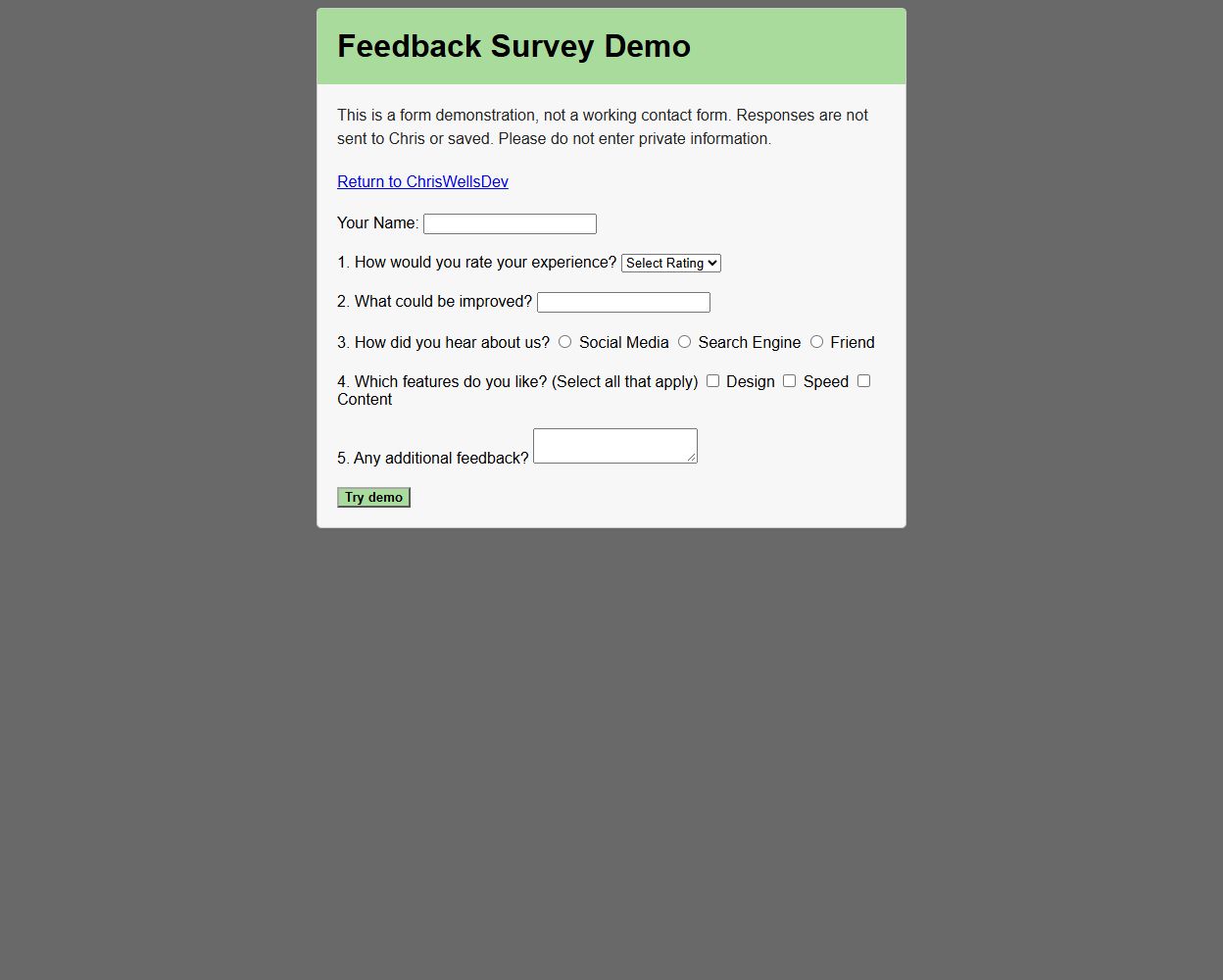
A browser form example with text, selection, radio, checkbox, and optional comment fields. Its JavaScript validates required answers before showing a personalized acknowledgment.
Key features
- Multiple input types and required-answer validation.
- Inline validation messages.
- Personalized demo acknowledgment that explicitly says nothing was sent or saved.
How it works
Validation runs entirely in the browser. Required fields are checked before a personalized demo acknowledgment appears; the form explains that responses are neither delivered nor stored.
How to use
- Use example answers rather than private information.
- Choose Try demo to check the required answers and see the local acknowledgment.
Project notes
This is a form demonstration. It does not transmit, email, or store submitted answers.